
Featured
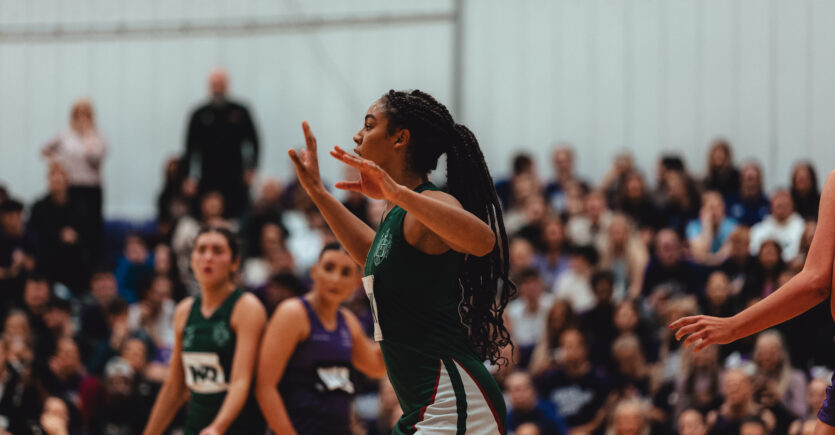
Get excited for Varsity
Varsity - the sports spectacle between the University of Leeds and Leeds Beckett University - returns on 22 - 24 April. Expect 50+ events!
This link is an external URL Get your tickets
Want to find your community?
Join Creative Connections - our programme of creative wellbeing activities - to learn new skills, boost your confidence, and make friends.
This link is an external URL Register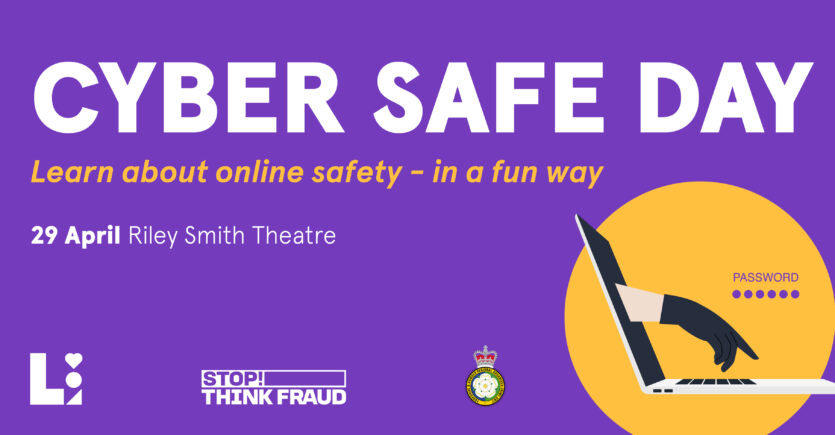
Coming soon
Worried about online safety? Or have you been a victim of fraud? Join us on Cyber Safe Day to learn while having fun - expect games, escape rooms, competitions, freebies, and chances to win prizes!
This link is an external URL Learn more
The biggest student party returns
Crazy golf, live circus performers, roller disco, and Ferris wheel! Leeds Ball is the highlight in the Leeds student calendar - don't miss it!
This link is an external URL Get your tickets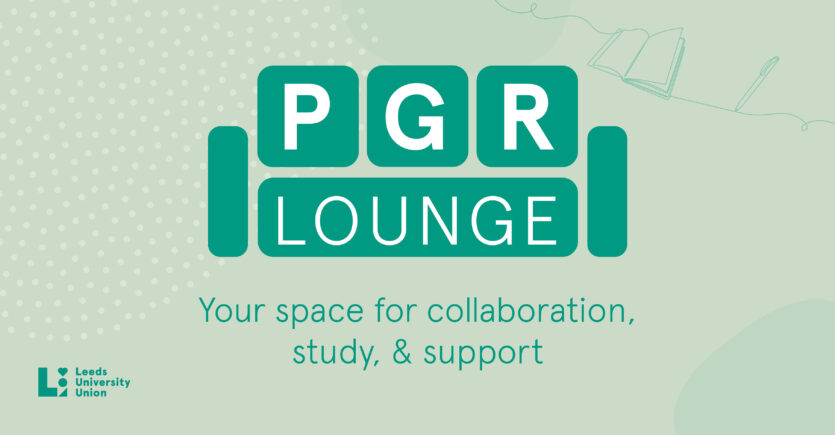
Introducing: PGR Lounge
Are you a PGR student? We have just launched a space for you! PGR Lounge features facilities for quiet study, collaborative work, and meetings. Located on the balcony over The Refectory.
Israel and Gaza: A Message of Support for All In Our Community
An open letter from the University of Leeds and LUU on the crisis in Israel and Gaza.
This link is an external URL Read more5 THINGS TO DO THIS WEEK
- See what new policies students have decided on at the Spring Better Forums.
- Shortlists have been announced! See who’s up for awards at Celebrate 2024.
- Concerned about money? Browse our Cost Of Living page for tips and resources.
- In need for some support? Check out Essentials on the balcony over The Refectory.
- Want to take a break? Visit Crossroads in Union Square to play videogames and boardgames, and to read books and comics.
LOVE YOUR TIME AT LEEDS
There’s more to your time here than getting a degree.
Learn about: